Odoo Migration Services Without Business Disruption
Your Odoo migration should do more than move records from one database to another. Our odoo migration services cover version upgrades, legacy ERP migration to Odoo, Odoo data migration, custom module migration and integration readiness — with a clear migration plan before anything moves.


Migration Roadmap
Assess
Prepare
Migrate
Validate
Go Live
Legacy ERP / Older Odoo
Data, workflows, customizations
Migration Assessment
Scope, dependencies, risks
Data & Module Mapping
Records, fields, logic
Test Migration
Rehearsal and reconciliation
Functional Validation
Workflows, reports, integrations
Production Go-Live
Controlled cutover + support
Trusted Clients


Built on Experience. Trusted for Results
0
+
Projects Delivered
Enterprise software, SaaS & cloud apps.
0
+
Years Experience
Still learning, still building.
0
+
Senior Engineers
Full-stack, Cloud & Odoo AI services experts.
0
+
Implementation
Long-term partnerships, proven results.
Before you migrate
Odoo Migration Risks to Check First
A migration can affect accounting, inventory, manufacturing, sales, purchasing, HR, reports, integrations and custom workflows at the same time. A proper Odoo migration strategy starts with those dependencies before any production data is moved.
01 - Odoo Data Dependencies
Customer, vendor, accounting, inventory and historical records often depend on relationships that need to be mapped before migration.
02 - Custom Odoo Modules
Custom models, views, reports and business logic may require refactoring when the target Odoo version changes.
03 - Odoo Integration Risks
APIs, payment gateways, eCommerce, shipping, WhatsApp, accounting and other connected systems need compatibility testing.
04 - Migration Downtime
Unplanned cutovers can interrupt sales, procurement, production and finance. Migration sequencing should be designed around business continuity.
05 - Odoo Data Validation
Successful import does not automatically mean correct data. Reconciliation and business-user validation are essential before go-live.
06 - Legacy ERP Processes
Migration is an opportunity to identify obsolete fields, workflows, applications and technical debt instead of carrying everything forward.
Choose your migration path
Odoo ERP Migration Services
Not every migration project has the same starting point. Your current ERP, Odoo version, custom code and integrations determine the right Odoo migration approach.
Odoo Version Migration
Path 01Move from an older Odoo release to a newer version with database compatibility, custom application, report and workflow checks.
- Version compatibility analysis
- Custom module assessment
- Regression testing before cutover
Legacy ERP Migration to Odoo
Path 02Move business data and essential processes from a legacy ERP to Odoo without carrying unnecessary legacy-system complexity forward.
- Source-system data mapping
- Data cleansing and transformation
- Business-process validation
Odoo Custom Module Migration
Path 03Review custom modules, fields, workflows and reports before moving them into the target Odoo environment.
- Custom code review
- Module refactoring or redevelopment
- Functional and technical validation
Odoo Data Migration Services
Path 04Use Odoo data migration services to move critical records while keeping the scope focused on the data your business actually needs.
- Master and transactional data
- Historical-data strategy
- Record reconciliation
Odoo Integration Migration
Path 05Prepare APIs and connected platforms so Odoo integration migration does not break the systems around the new environment.
- API dependency mapping
- Integration compatibility testing
- Production cutover coordination
Odoo Migration Assessment
Path 06If you are unsure what should move, what should be rebuilt or whether an upgrade is practical, start with a migration review.
- Current-environment review
- Risk and dependency identification
- Recommended migration approach
Migration scope
Odoo Migration Readiness Checks
A successful Odoo ERP migration depends on more than imported records. Our Odoo migration service checks data accuracy, Odoo applications, custom modules, integrations, user access and critical workflows before go-live.
Odoo Data Migration
Master data, transactional records, historical information, attachments, accounting data and operational records.
Odoo Applications Migration
CRM, Sales, Purchase, Inventory, Manufacturing, Accounting, HR, Project, Website, eCommerce and other installed applications.
Odoo Custom Module Migration
Custom fields, views, reports, automated actions, workflows, server actions and custom modules.
Third-Party Odoo Apps
Application compatibility, replacement requirements and migration readiness for marketplace or external applications.
Odoo Integration Migration
APIs, payment gateways, shipping systems, marketplaces, communication tools and other connected services.
Odoo Security & Access
Users, roles, permissions and environment controls are reviewed as part of the transition and validation process.
How the engagement works
Odoo Migration Process
You do not need an Odoo migration proposal built on assumptions. We first assess your current environment, then define the Odoo migration scope, data mapping, test migration and production cutover around your business.
Schedule a CallMigration Assessment
Review the current Odoo or legacy ERP environment, database, modules, customizations and integrations before defining the migration scope.
Odoo Data Mapping
Define Odoo data structures, field mappings, dependencies, transformation rules and migration priorities.
Migration Preparation
Clean data, update modules, prepare environments and resolve technical compatibility gaps.
Test Migration
Run a test migration, validate records, execute functional tests and reconcile critical Odoo data before production.
Production Cutover
Execute the production migration using an agreed cutover plan designed to minimize business interruption.
Odoo Migration Support
Support users, resolve exceptions, validate production workflows and optimize the migrated environment.
Technical migration checklist
Odoo Data Migration & Module Compatibility
The migration scope is finalized after an assessment. Depending on your environment, the project can cover data engineering, Odoo development, functional testing and integration work in one coordinated plan.
Industries
Odoo ERP Migration for Complex Operations
Odoo migration planning becomes especially important when Odoo sits at the center of finance, inventory, manufacturing, sales or logistics operations.
Client Success Stories
See Our Work in Action
See how we've helped companies tackle complex operations, improve visibility, and grow with technology that actually fits the way they work.
View all case studiesOdoo + WhatsApp Automation with n8n Streamlined Furniture Retail Operations in Mauritius
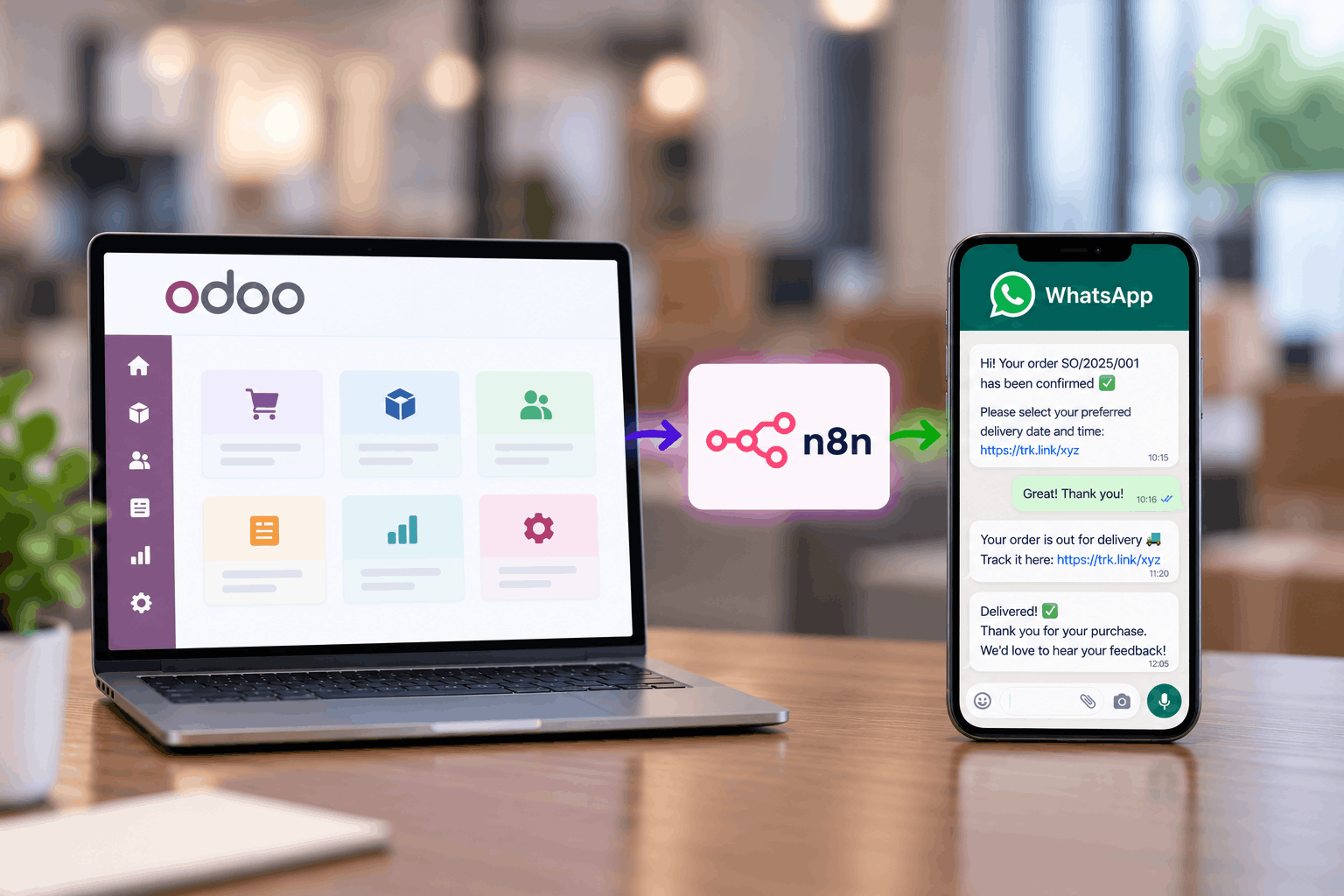
See how Techvoot integrated Odoo ERP and n8n to automate delivery scheduling, driver assignment, proof of delivery and customer support for a Mauritius furniture retailer.
Category:
ERP, Automation
How Odoo ERP Transformed Operations for our UAE-Based Client's Oxy-Hydrogen Equipment Company
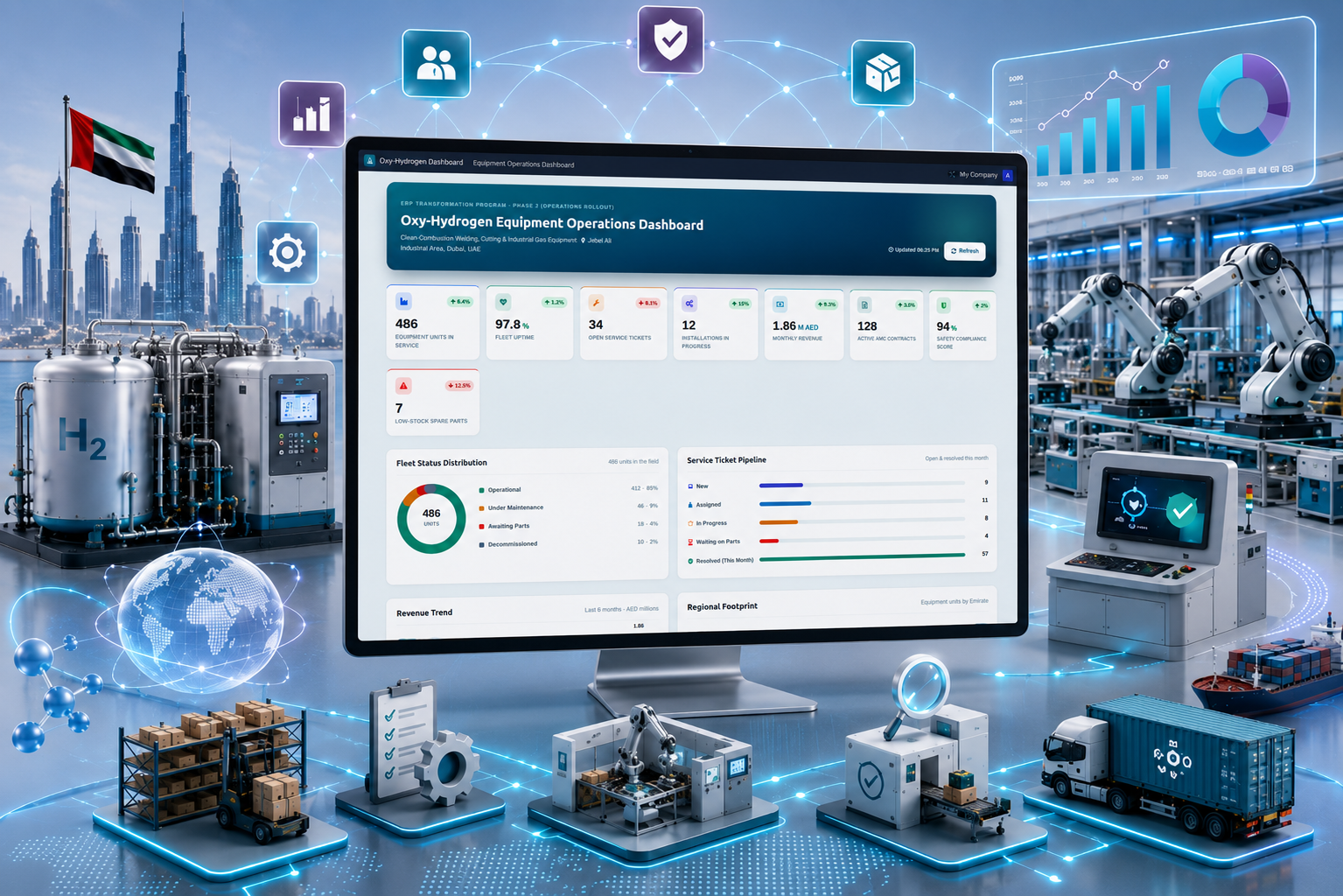
A UAE-based oxy-hydrogen equipment company partnered with Techvoot Solutions to implement a customized Odoo ERP platform that unified manufacturing, inventory, procurement, sales, and finance operations. The solution improved operational visibility, streamlined workflows, and enabled faster business decision-making through centralized ERP management.
Category:
ERP
Manufacturing Efficiency Boosted by 35% with Odoo ERP
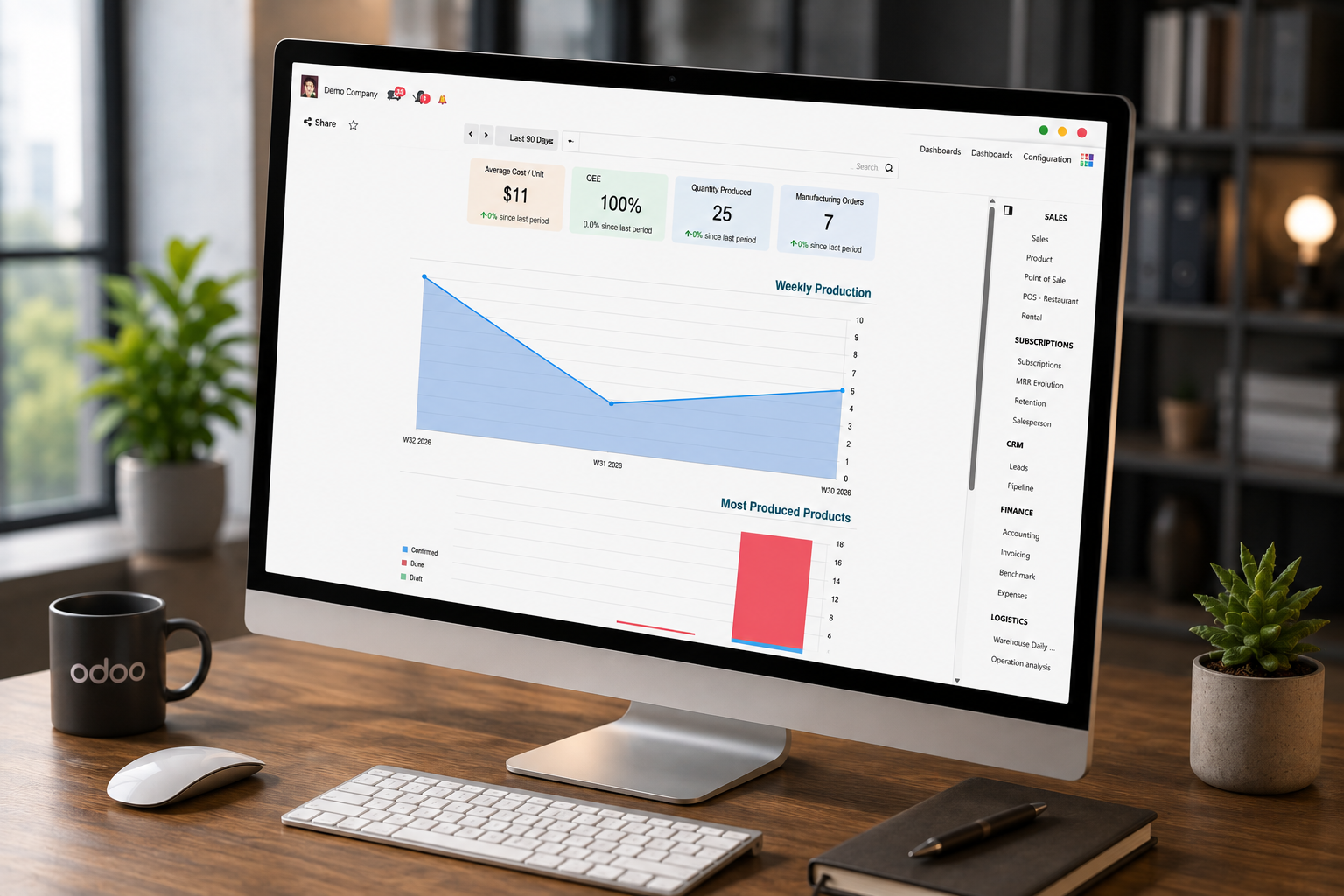
A manufacturing company achieved 35% improved operational efficiency with Techvoot’s Odoo ERP implementation, enabling integrated production, inventory, finance, HR, and logistics management on a single platform.
Category:
ERP
Our Latest Blog

Dhaval Baldha
13 Oct 2026
6 MINUTES READ
Benefits of an ERP software in the furniture industry
Read Full Blog
Dhaval Baldha
09 Oct 2026
6 MINUTES READ
Odoo ERP Implementation in KSA: An 11-Step Guide
Read Full Blog
Dhaval Baldha
08 Oct 2026
6 MINUTES READ
What Does an ERP Implementation Consultant Do? Saudi Business Guide
Read Full Blog
Dhaval Baldha
07 Oct 2026
6 MINUTES READ
Best ERP Software for Furniture Manufacturing in USA
Read Full Blog
Odoo migration FAQ
Odoo Migration FAQ
Find quick answers to the questions about our services, process, pricing, and support.
What are Odoo migration services?
Odoo migration services help businesses move an existing Odoo environment or legacy ERP data and functionality into a target Odoo environment. Depending on the project, this can include database migration, data transformation, custom module migration, integration updates, testing and go-live support.
Can you migrate from an older Odoo version to a newer version?
Yes. An Odoo version migration can include database preparation, module compatibility analysis, custom code updates, third-party application review, integration testing, data validation and controlled production deployment. The exact scope depends on the source and target versions and the amount of customization.
Can you migrate from another ERP to Odoo?
Yes. Legacy ERP migration to Odoo typically starts with source-system analysis and data mapping. The project may include data extraction, cleansing, transformation, master-data migration, historical transactions, workflow mapping, integration planning and user validation.
How do you protect business data during Odoo migration?
We use a controlled approach that can include backups, test migrations, data mapping, validation, reconciliation and staged cutover activities. The objective is to preserve data integrity and identify exceptions before production go-live.
Can custom Odoo modules be migrated?
Yes. Custom models, views, reports, business logic, workflows and integrations can be migrated. We review custom code against the target Odoo version to refactor deprecated methods, optimize logic and ensure full compatibility.
Will Odoo migration require downtime?
Migration cutovers are planned during off-peak hours, weekends or scheduled maintenance windows to minimize operational impact. Test migrations help refine timing and reduce production downtime to the absolute minimum.
How long does an Odoo migration take?
There is no reliable one-size-fits-all timeline. The duration depends on the source and target versions, database volume, custom modules, integrations, historical data, testing requirements and business availability for validation. A migration assessment provides a more accurate estimate.
Do you provide Odoo migration support after go-live?
Yes. Post-migration support can cover issue resolution, data reconciliation, workflow validation, integration monitoring and stabilization of the new Odoo environment.
What our clients say
I had the opportunity to work with Techvoot Solutions on a major software project called SchedFAST. Without their support, I'm not sure how far the project would have progressed. Their team is highly detail-oriented and takes the time to ensure everything functions exactly as it should. I would confidently recommend Techvoot Solutions to any company, anywhere in the world, looking for a dependable technology partner.

Tim Sherlock
Owner
I worked with Dhaval for over a year on multiple projects, during which he consistently demonstrated strong technical expertise, particularly in blockchain trading platforms and cryptocurrency solutions. His skills and performance played a significant role in the success of these projects. Dhaval's ability to think beyond conventional approaches, combined with his reliability and punctuality, made him a valuable contributor throughout our collaboration.

Daniel Sachs
CTO
It was a pleasure working with Kevin. He quickly understood the requirements and delivered the work efficiently and on schedule. The code was reviewed by our internal development team and rated highly for its quality. We look forward to working together again in the future.

Marco Landolfo
Consultant
I've had the pleasure of working with Dhaval for quite a long period of time. Dhaval has always been quick to respond and gets things right the first time. Dhaval had a deep understanding of our software and made many suggestions that made it a much better offering.

Jared Strasser
COO
Kevin and his team are a great development and support team. They bring strong technical expertise and guide you through every stage of the project until completion. Their support and commitment make the entire process smooth and reliable. I would highly recommend Kevin and his team.

Azhar Kajee
Founder
They are one of the most highly professional team we ever worked with. They have the required knowledge and they use latest technologies. They not only deliver on time but also provide quality work.

Frederic Ladane
CEO

I highly recommend Kevin as an exceptional software development professional. He effectively manages both web and mobile development, with strong expertise in iOS and Android platforms. Having worked with him for over two years, I've consistently been impressed by his technical skills, reliability, and ability to deliver high-quality results.

Josè Luis
Director
Brilliant work, excellent communication, and consistently timely delivery. The entire experience was smooth and hassle-free. I would definitely work with them again and highly recommend them to anyone looking for reliable IT services.

Paul Twum
CEO
Techvoot Solutions has proven to be a reliable and dependable partner. Their team is responsive, accommodating, and consistently attentive to our requests. They deliver work on time while remaining flexible as our needs evolve. What stands out is their transparency; they're always clear when it comes to invoicing and communication, which builds a strong sense of trust. Overall, Techvoot Solutions is a partner we're confident in and would highly recommend.

Duane Pressley
CTO
Techvoot Solutions delivered the app on time and met all expectations. Their team maintained clear and consistent communication throughout the project, with regular virtual meetings that kept everything aligned and on track.

Shruti Venkat
CEO
I had a great experience working with Kevin and Ravi. They were incredibly supportive throughout the process and consistently delivered excellent service. I would highly recommend them to anyone looking for reliable web development services.

Sherman Wong
Co-Founder of SCS Digital
Techvoot Solutions has been a reliable and consistent partner. Their ability to understand our requirements and act on feedback quickly has made the collaboration smooth and productive. Communication is clear, response times are prompt, and deadlines are always respected. They have a strong grasp of what's needed and consistently deliver solutions that align with our expectations. A dependable team that takes quality seriously in every aspect of their work.

Philip Trümpi
Director
They demonstrated a solid understanding of the scope and were able to deliver the expected outcomes. Techvoot Solutions ensured 99.5% uptime and achieved a 95% satisfaction rate in post-project surveys, delivering the app on time with an agile workflow. The team's responsiveness and structured project management truly stood out.

Artemiy Chervinskyy
Product Manager
Techvoot Solutions demonstrated a deep understanding of our requirements and translated them into a solution that delivered real, measurable impact. Their work reduced manual effort by 60%, streamlined task tracking, and significantly improved overall team productivity. What stood out was their structured approach to project management; highly responsive, detail-oriented, and quick to incorporate feedback. Communication was seamless throughout, making the entire collaboration efficient, transparent, and results-driven.

Gunjan Makwana
Co-Founder
They are highly cooperative and friendly.The team was flexible and responsive to feedback, adhered to timelines, and consistently demonstrated a friendly and collaborative approach.

Sankar Chellam
Director
Their responsiveness, flexibility, and commitment to quality made them stand out. Partnering with Techvoot Solutions led to remarkable improvements in efficiency, productivity, accuracy, cash flow, and engagement. The team managed the project with precision, delivering on time, adapting quickly to changes, and providing consistent support.

Fayad A. M.
CEO & Founder
They are proactive, quick to respond, and always focused on delivering smart, effective solutions. Techvoot Solutions' work has improved my operations, customer experience, and website traffic. The entire team is professional, well-organized, and flexible. They deliver on time, communicate smoothly, and are always open to feedback.

J C
Founder
They are highly professional and efficient, delivering excellent and reliable development work. The team works quickly without compromising on quality and demonstrates strong technical expertise throughout. Their professionalism and consistency make them a dependable partner.

Ozan Askan
CEO
Techvoot Solutions demonstrated a strong understanding of their field and delivered the project on time. The team listened well and understood our needs. The team was easy to work with and communicated via virtual meetings, emails, and messages.

Gaoussou
Co-Founder
They delivered exceptional quality relative to the investment. The team created a design system that aligned seamlessly with our style guidelines and was immediately put to use. They worked efficiently, iterated quickly based on feedback, and maintained clear communication throughout the project. Everything was delivered on time, making the overall experience smooth and reliable.

Thanh Nguyen
Head of R&D
Working with Techvoot Solutions has been an outstanding experience. Their technical expertise, combined with a genuine commitment to client success, sets them apart. The teams professionalism, problem-solving skills, and kindness make them more than just a technology partner, they are a trusted extension of our business.

Massimo Ferracane
CEO
Techvoot Solutions helped us launch three weeks ahead of schedule. Their team consistently delivered high-quality work on time and communicated clearly throughout virtual meetings. They were helpful, professional, and genuinely committed to our projects success.

Chay Moalem
Associate Manager
Techvoot Solutions successfully delivered and launched our website, earning positive feedback. Their team managed the project efficiently, responded quickly to our needs, and patiently handled multiple changes throughout the process.

Jared Sussman
Managing Partner
Techvoot Solutions successfully improved our systems performance and integrated Angular, Node.js, and Elasticsearch components. Their organized project management, responsive communication, and timely delivery made the entire experience highly satisfactory.

Raul Ujog
CEO
Techvoot Solutions improved our platforms performance, stability, and scalability while strengthening its mobile responsiveness, user experience, and backend functionality. Their quick response, respectful communication, and strong technical expertise truly stood out.
.jpg "Anonyms")
Anonyms
Advertising & Marketing